Delivery Challan
Dispatch goods with confidence — stock deducted automatically
Issue a Delivery Challan linked to the customer and opportunity. When status moves to Dispatched, a Goods Issue Note is created and stock deducted from inventory — no manual update needed.
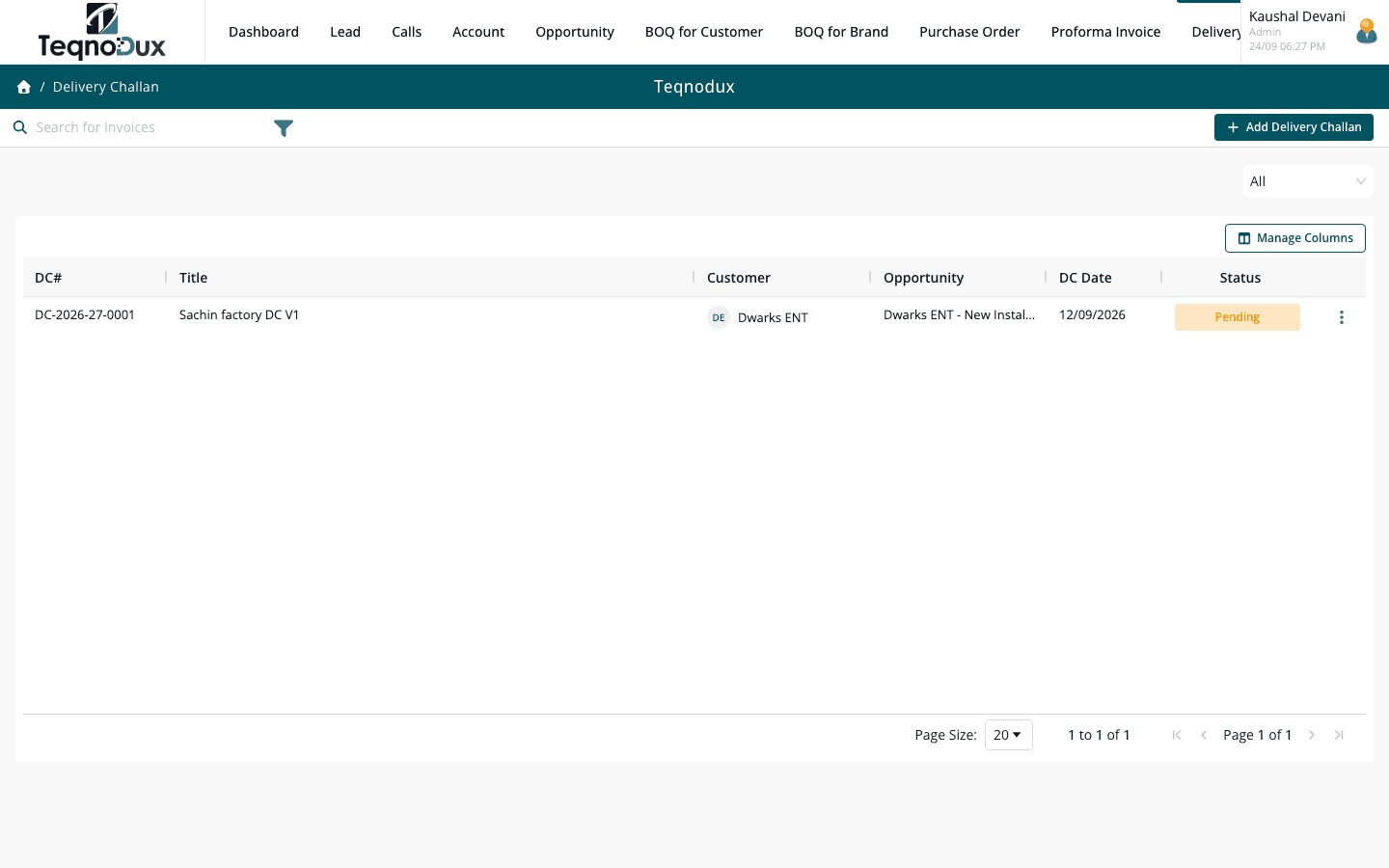
Everything Delivery Challan handles
Link DC to customer account and opportunity
Line items with quantities, serial numbers and descriptions
Status: Draft → Dispatched → In Transit → Delivered
Moving to Dispatched / In Transit / Delivered auto-creates a GIN (Goods Issue Note)
Stock deducted automatically from inventory on dispatch
Serial number tracking per line item for high-value equipment
Export to PDF and Excel
How it works in practice
01
Link every dispatch to the customer and project it belongs to
Every DC is linked to a customer account and an opportunity. Line items specify what was dispatched — equipment model, quantity, serial numbers for high-value items. Nothing leaves the warehouse without a traceable record.
- Link DC to customer Account and Opportunity
- Line items: item description, quantity, serial numbers for equipment
- Ship-to address selected from the customer account's address list
02
Status tracks the physical movement of goods
Draft → Dispatched → In Transit → Delivered. Each status change is timestamped. When you move a DC to Dispatched or In Transit, a Goods Issue Note is created automatically — your formal outward stock record.
- Status flow: Draft → Dispatched → In Transit → Delivered
- GIN (Goods Issue Note) created automatically on status change to Dispatched
- Each status change logged with timestamp and user
Delivery Challan
Status tracks the physical movement of goods
Status flow: Draft → Dispatched → In Transit → Delivered
GIN (Goods Issue Note) created automatically on status change to Dispatched
Each status change logged with timestamp and user
03
Stock deducted automatically — serial numbers tracked
Moving a DC to Dispatched triggers automatic stock deduction per line item. High-value HVAC equipment can have serial numbers logged per line — essential for warranty tracking and future service visits.
- Stock deducted automatically from the specified warehouse on dispatch
- Serial number tracking per line item — critical for warranty and AMC records
- Export DC to PDF for driver and customer sign-off
Delivery Challan
Stock deducted automatically — serial numbers tracked
Stock deducted automatically from the specified warehouse on dispatch
Serial number tracking per line item — critical for warranty and AMC records
Export DC to PDF for driver and customer sign-off
Delivery Challan works with
Every module links across the platform — no re-entry, no disconnected data, no scattered tools.
Common questions
Yes. When a DC status moves to Dispatched (or In Transit), a GIN is created and items are deducted from the warehouse stock immediately. No separate inventory update needed.
Yes. Each line item on a DC has a serial number field — particularly important for high-side equipment (AC units, VRF systems) where the serial number links the unit to future PMS and warranty claims.
Create a Return Challan linked to this DC. You can return a subset of items, and each returned item has a condition field (Good, Damaged, Defective). The Return Challan links back to the original DC.
Yes. The DC exports to PDF with your company branding. It's typically printed and sent with the vehicle for the customer to sign on receipt — the signed copy is then attached to the DC record.
Your HVAC business deserves
better than a spreadsheet.
Join HVAC companies across India who've replaced WhatsApp chaos with one clean, connected system. Start free — no credit card, no contracts.