Inward (GRN)
Every item received is counted, inspected and in stock
Create a Goods Receipt Note against any submitted PO. Record quantities received per line, log inspection notes, and watch inventory update automatically the moment the GRN is confirmed.
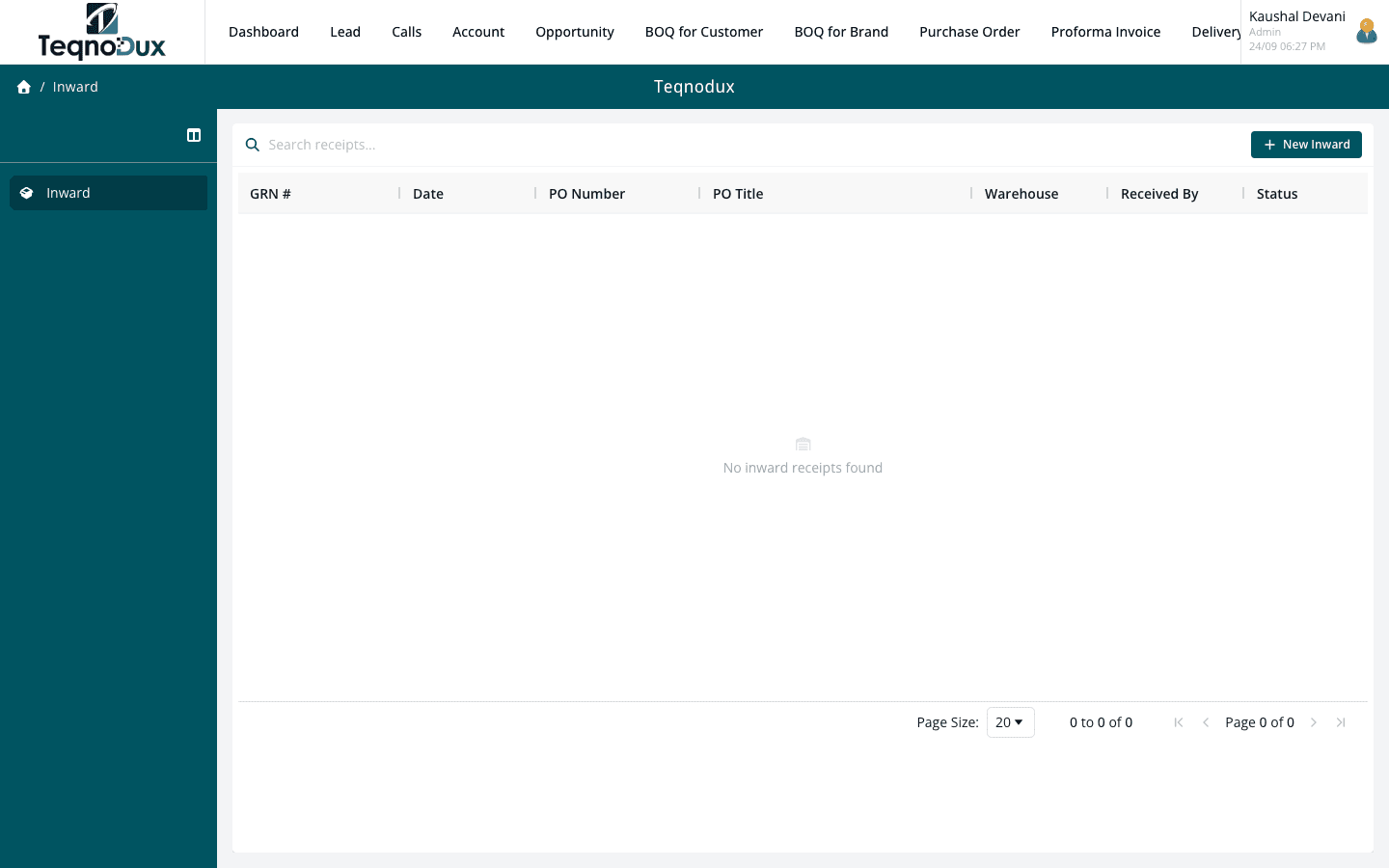
Everything Inward (GRN) handles
Create GRN against a submitted PO — only receivable statuses allowed
Receive per line item: quantity received vs ordered, inspection notes
Partial receipts supported — receive in multiple batches
Inventory stock levels updated automatically on GRN confirmation
Per-item receipt log for full audit trail
Warehouse selection: receive into specific warehouse location
How it works in practice
01
Receive against a PO — partial deliveries fully supported
Select a submitted PO and create an inward receipt against it. Each line item on the PO appears in the GRN — enter how many units were received in this delivery. If the supplier delivered in batches, create multiple GRN records against the same PO.
- GRN must be linked to a submitted PO — no free-floating receipts
- Receive per line item: quantity received vs quantity ordered
- Partial receipts: receive in multiple batches against the same PO
02
Inspect every item and record the condition
The GRN has a per-item inspection field. Log whether each batch passed inspection, note any discrepancies, and record remarks for damaged or short-supplied items. This is your formal record of what actually arrived.
- Per-line inspection notes — log damage, shortfall or discrepancy
- Inspection status per line: Passed, Rejected, Short-supplied
- Warehouse selection: receive into a specific warehouse location
Inward (GRN)
Inspect every item and record the condition
Per-line inspection notes — log damage, shortfall or discrepancy
Inspection status per line: Passed, Rejected, Short-supplied
Warehouse selection: receive into a specific warehouse location
03
Inventory updated automatically on GRN confirmation
When the GRN is confirmed, inventory stock levels for each received item update automatically. No manual stock entry — the GRN confirmation is the stock trigger.
- Stock levels update automatically on GRN confirmation
- Quantities received added to the item's stock count per warehouse
- GRN confirmation creates a permanent inward transaction record per item
Inward (GRN)
Inventory updated automatically on GRN confirmation
Stock levels update automatically on GRN confirmation
Quantities received added to the item's stock count per warehouse
GRN confirmation creates a permanent inward transaction record per item
Inward (GRN) works with
Every module links across the platform — no re-entry, no disconnected data, no scattered tools.
Common questions
Yes. Enter the quantity received for each line item — it doesn't have to match the ordered quantity. Create multiple GRN records against the same PO as deliveries arrive. The PO tracks total received vs ordered across all GRNs.
Yes. Stock levels for each received item in the specified warehouse are updated immediately when the GRN is confirmed. No separate step needed.
Record the condition in the per-line inspection notes field and mark the inspection status as Rejected or flag a discrepancy. The GRN record captures this formally — useful for raising supplier claims.
Currently, a GRN must be linked to a submitted PO. This ensures every receipt has an approved purchase authorization behind it. Ad-hoc receipt without a PO is not supported.
Your HVAC business deserves
better than a spreadsheet.
Join HVAC companies across India who've replaced WhatsApp chaos with one clean, connected system. Start free — no credit card, no contracts.